Promote on Google Play and Facebook
Use this page as the launch checklist. Official Play steps: Prepare your app for review. Ads declaration is mandatory if you show Watch Ad or Double Up rewarded videos.
1. Play Console — App content
- Privacy Policy URL: paste the live link to privacy.php on this site (must be public HTML, not a PDF, not geo-blocked).
- Ads: Policy → App content → Ads → Yes, my app contains ads. The listing will show “Contains ads”.
- Target audience: select 13+ / older only. Do not include under-13 while using standard rewarded ads. Families policy would require certified ads SDKs and a neutral age gate. See Families policies.
- Data safety: declare account, purchases, ads/marketing, and crash data. Ads SDK data counts as collected/shared.
- News: if you add ads to an existing build, say so in What’s new.
2. Store listing graphics (already generated)
Files are in the store/ folder on this site. Icon is a full square — Play rounds corners for you. No “FREE”, “#1”, or price text on the icon or feature graphic.
play-icon-512.png · 512×512 PNG · hi-res icon
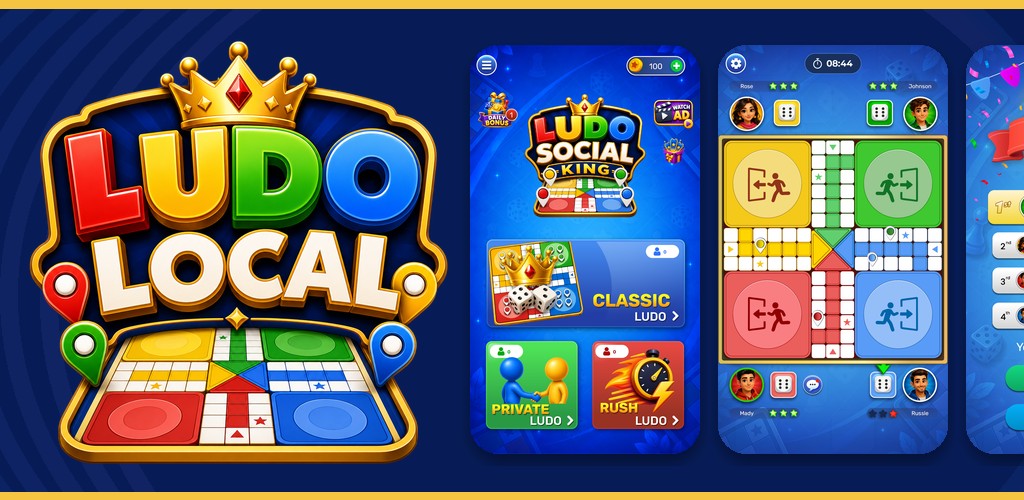
feature-graphic-1024x500.jpg · required banner
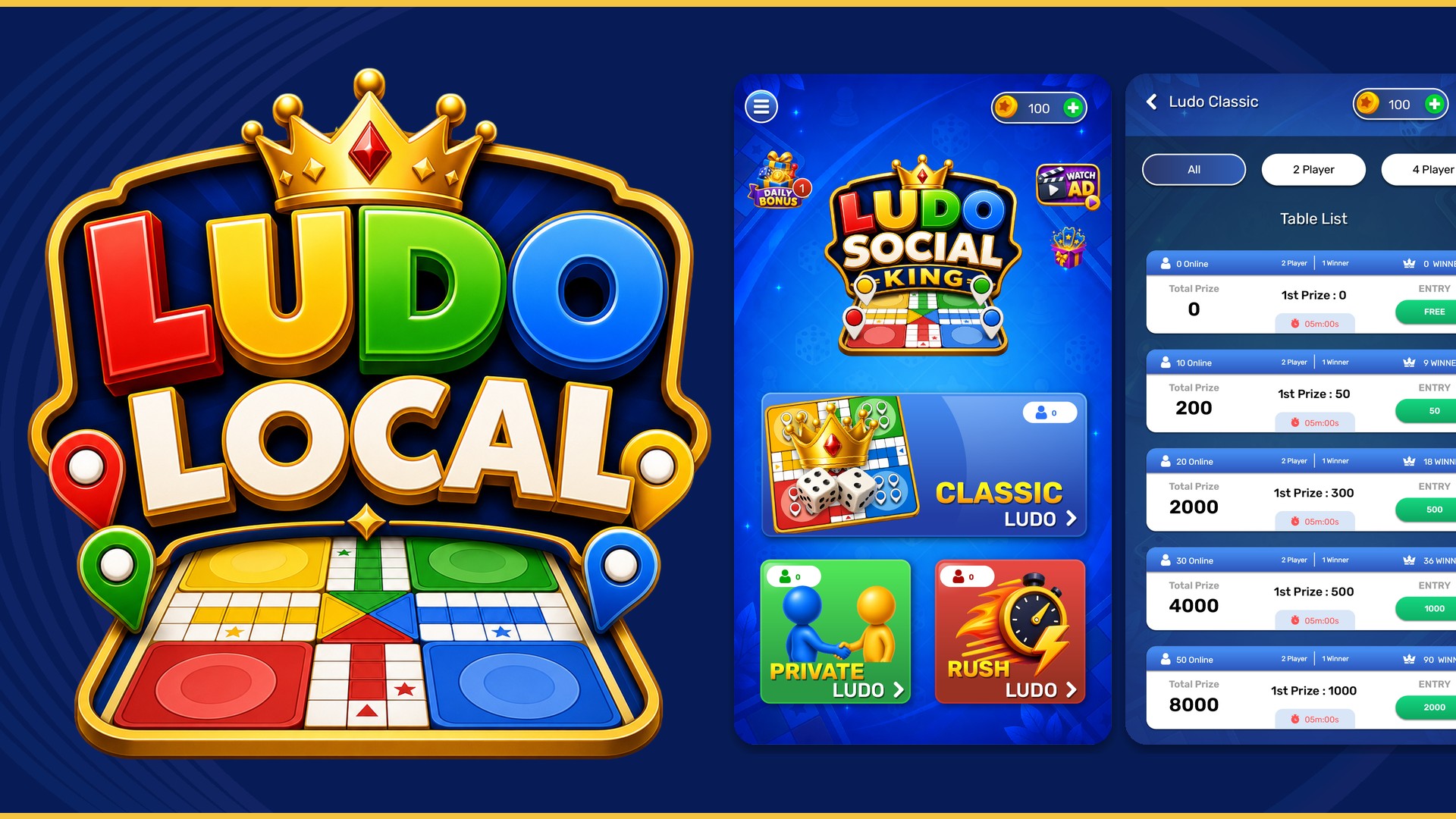
play-landscape-01.jpg · 1920×1080 featuring
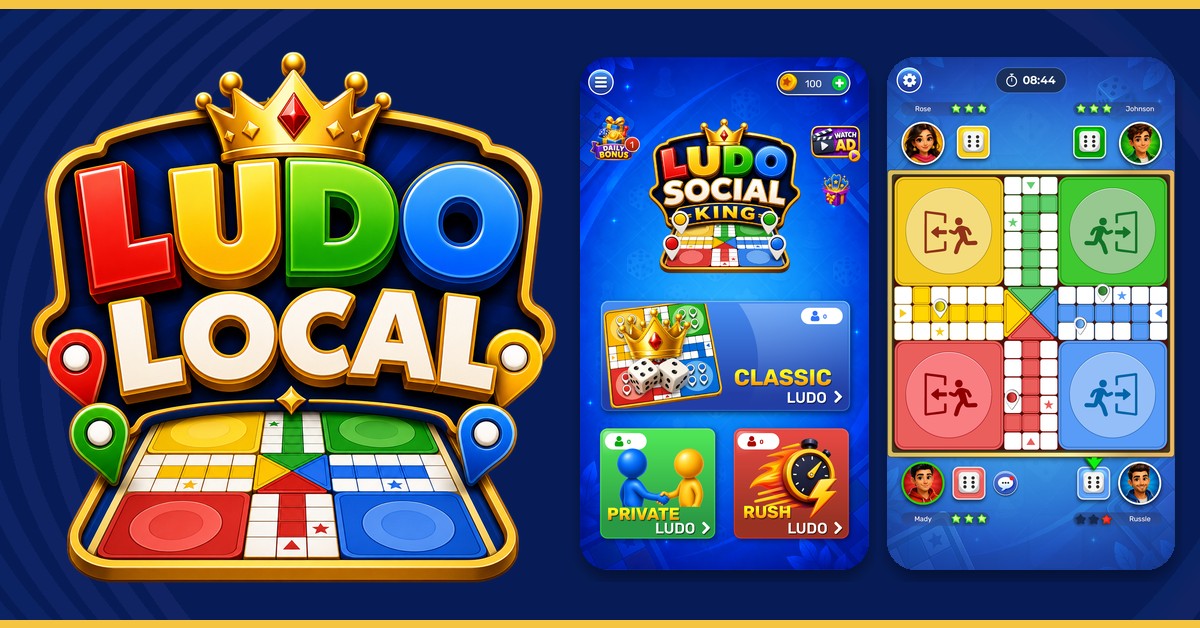
facebook-feed-1200x628.jpg · Meta feed
Also upload at least 2 phone screenshots (we prepared 6): play-phone-01-home.jpg through play-phone-06-bonus.jpg. Games that want featuring should add the three landscape 1920×1080 files.
3. Play listing copy (paste into Console)
Short description (80 characters max)
Play Classic, Private & Rush Ludo with friends. Daily bonus, chat, coin tables.
Full description
Play Ludo Social King — the classic board game with live tables and private rooms.
Classic Ludo: join 2 or 4 player tables, see entry and prize in coins, and race four tokens home.
Private Ludo: create a room, pick colour and player count, share a code, or join a friend.
Rush Ludo: faster matchmaking when you want a short game.
Daily bonus with a 7-day streak. Optional rewarded ads to double coins. Coin shop for extra play. In-match chat with quick phrases. Google sign-in or Guest.
Contains ads. Optional in-app purchases. Not affiliated with other Ludo apps.
Do not write “#1 Ludo”, “better than Ludo King”, or “free money”. Play rejects ranking and lookalike claims on graphics and text.
4. In-app ads (AdMob)
- Use rewarded ads only on actions the player chooses (Watch Ad, Double Up) — matches your current UI.
- Do not put ads on pause in a way that looks like a button, or ads that cover the dice.
- Complete the AdMob / Play app-ads.txt later on this domain if you serve ads from the website; in-app ads use the Play app listing.
- Tag requests for users under the age of consent per your SDK docs. Our Play audience should remain 13+.
5. Facebook / Meta app-install ads
Create an App in Meta for Developers, add the same Privacy Policy URL as Play, and a contact email. App-install campaigns should land on this website or directly on the Play Store URL. Use:
store/facebook-feed-1200x628.jpgfor feedstore/facebook-square-1080.jpgfor square placements- Primary text example: “Play Classic, Private, and Rush Ludo with friends. Daily bonus. Contains ads.”
- Target 18+ or 13++ in Meta; exclude children’s interest clusters.
- Do not use competitor logos or their screenshot art in ads.
Meta crawlers must reach privacy.php (no login wall). This page is public on purpose.
6. Before you click publish
- Play Store URL is set to
com.ludo.ludosocialkingininc/config.php. - Put a real support mailbox in
$CONTACT_EMAIL. - Host this folder on a public HTTPS domain (not only localhost) so Play and Facebook can crawl privacy.php.
- Upload graphics from
store/in Play Console → Store listing.